The One-Line Answer
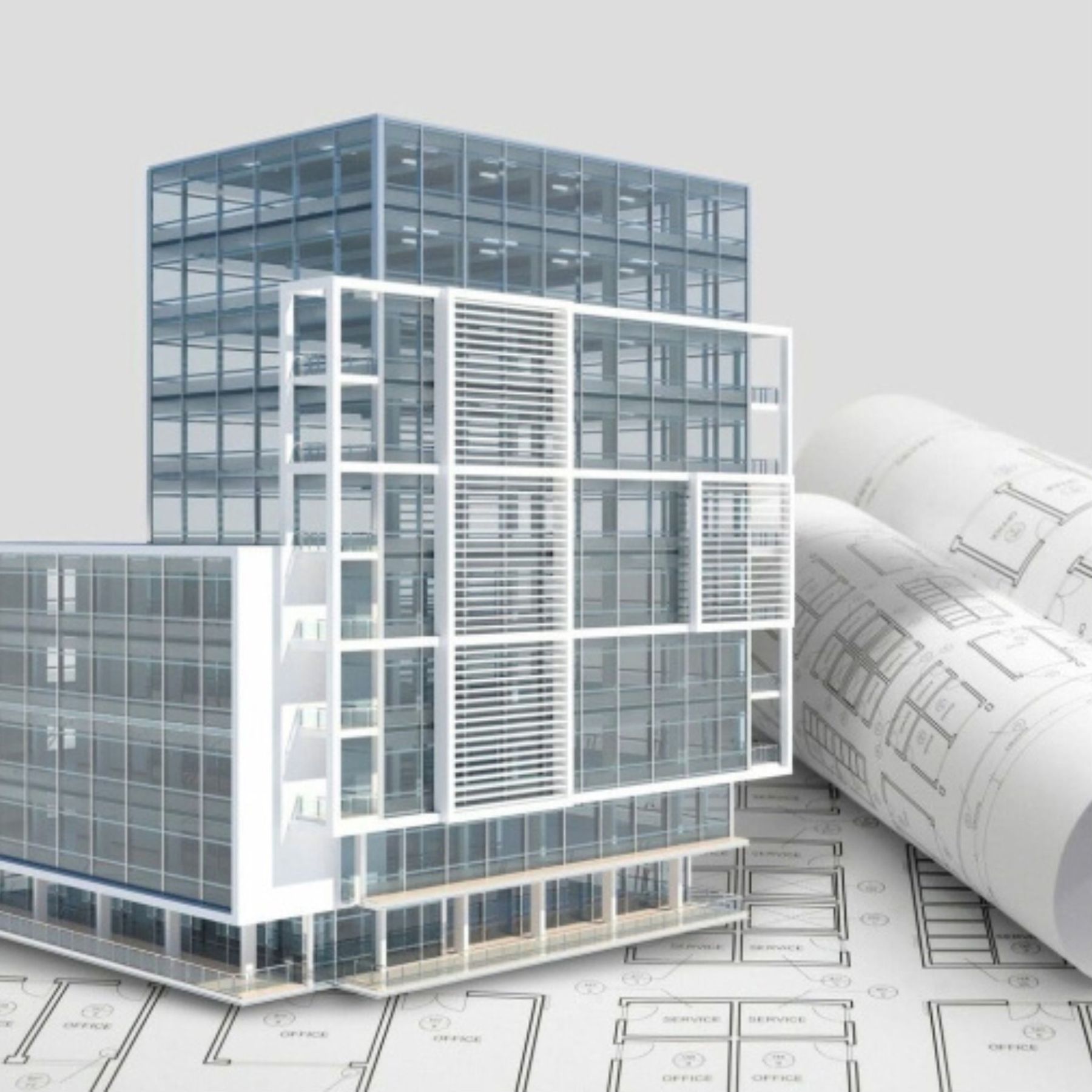
An as-built BIM model is a structured 3D digital model of an existing building produced in Revit — where every wall, floor, ceiling and structural element is an intelligent component with accurate real-world dimensions, produced directly from 3D laser scan data.
It is not a visualisation or a 3D render. It is the building as it exists today, rebuilt digitally at real-world accuracy, ready for an architect or engineer to design over immediately.
At SurveyX, the point cloud is included free with every as-built BIM model — so your team has both the structured model and the raw scan data to reference indefinitely.
BIM vs CAD Drawings — What's the Difference?
Traditional measured survey delivers a set of 2D CAD drawings — floor plans, elevations and sections in AutoCAD DWG format. These are flat drawings: a floor plan is a floor plan, an elevation is an elevation.
A BIM model is fundamentally different. In Revit, every element is a 3D intelligent object. A wall knows it's a wall. A floor knows it spans between two levels. The model generates its own plans, sections and elevations — all coordinated from a single 3D source of truth.

What Does LOD 200–300 Mean?
LOD stands for Level of Development — a standard that defines how much geometric and spatial information a BIM element contains.
- LOD 200 — Elements are modelled as generic objects with approximate size, shape and location. Walls, floors and roofs are correct in position and overall dimensions but without detailed construction information.
- LOD 300 — Elements are modelled as specific components with accurate geometry. Wall thicknesses, opening positions and structural elements are precisely defined, matching the as-surveyed building.
For most architectural design and planning projects, LOD 200–300 is the correct level. It gives the architect everything they need to design over without unnecessary detail that adds cost and complexity.

When Do You Need a BIM Model?
The honest answer is: when your architect or engineer works in Revit and needs the existing building as their starting point. Here are the most common scenarios:
- Your architect works in Revit. If you give them CAD drawings instead of a BIM model, they have to rebuild the existing building in Revit themselves before they can start designing — which takes time and costs you money.
- BIM coordination is required. On projects where multiple consultants (architect, structural engineer, MEP engineer) are working in a coordinated BIM environment, all models need to be federated. Everyone works from the same as-built base model.
- You need model-derived schedules. Accurate room area schedules, door and window schedules, or other data that comes directly from the model rather than from manual measurement.

- An as-built BIM model is the existing building rebuilt in Revit — not a visualisation
- Every element is a 3D intelligent component with accurate real-world dimensions
- LOD 200–300 is the standard level for architectural and planning projects
- If your architect works in Revit, start with the BIM model — not CAD drawings
- The point cloud is included free alongside every SurveyX BIM model
Need an As-Built
Revit Model?
We produce as-built BIM models directly from laser scan data — accurate, structured and ready to design over immediately. Fixed price, 5–7 working day turnaround.
Request a Free Quote