The One-Line Answer
A point cloud is a collection of millions of individual 3D measurement points — each one recording the exact X, Y and Z position of a surface in a building or on a site. Together, these points form a highly accurate three-dimensional digital representation of the scanned environment.
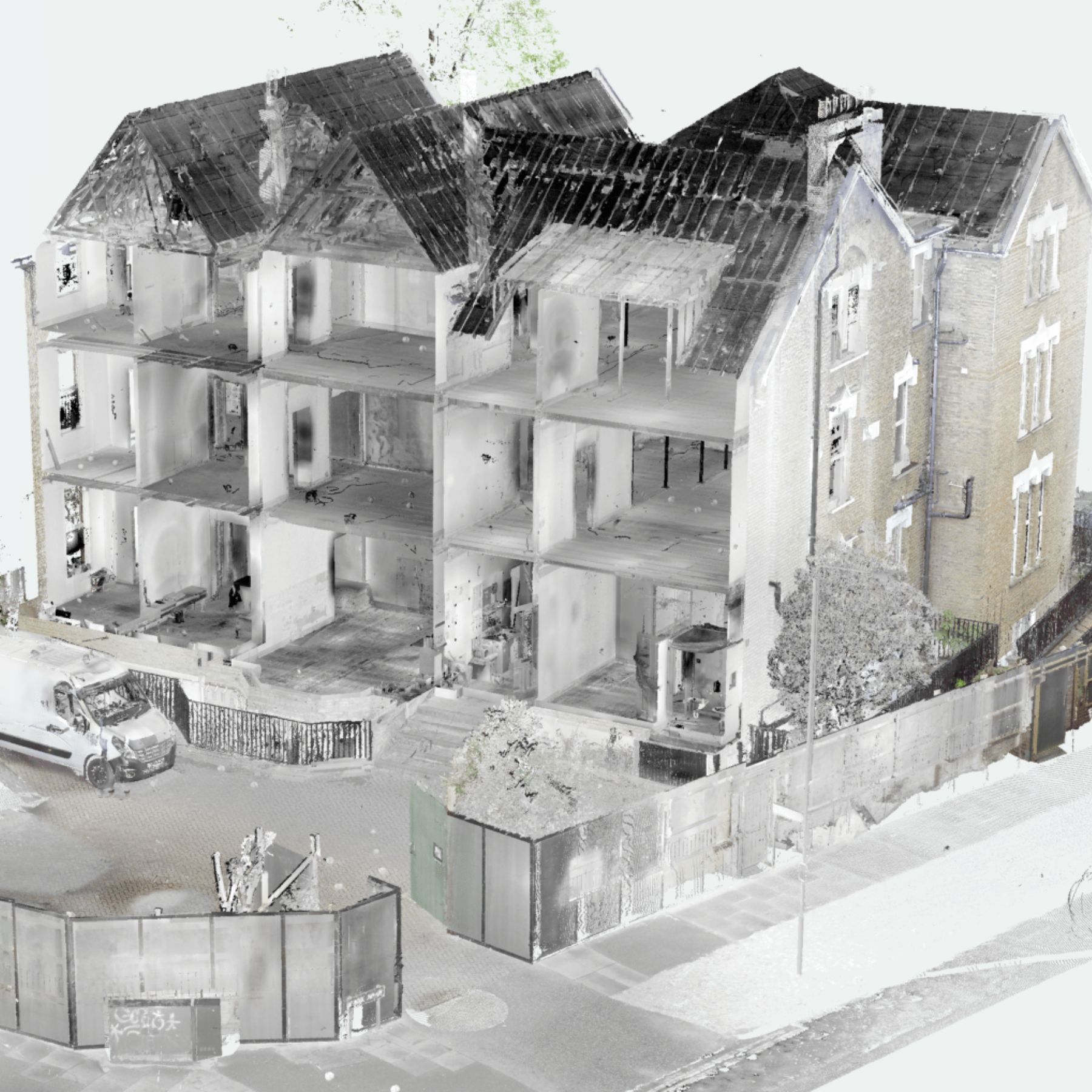
Think of it as a 3D photograph you can measure from. Where a normal photograph captures how something looks, a point cloud captures how something is shaped — its exact geometry, dimensions and spatial relationships — to millimetre accuracy.
At SurveyX, the point cloud is included free with every laser scanning survey — delivered in RCP format for Revit and E57 for AutoCAD and all other platforms.
Where Does a Point Cloud Come From?
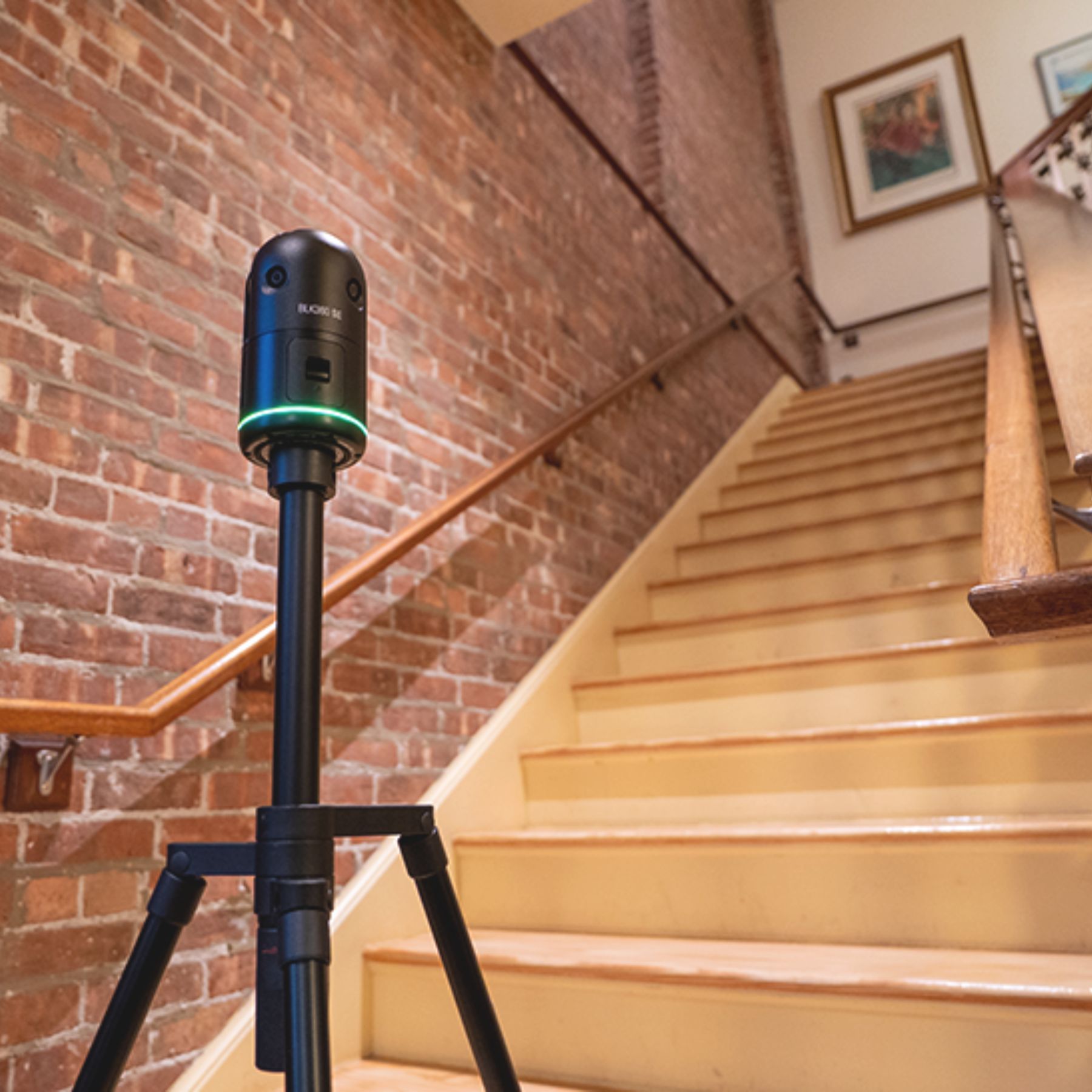
Point clouds are produced by 3D laser scanners. The scanner fires laser pulses in all directions simultaneously, measuring the time each pulse takes to bounce back from a surface. Because light travels at a known speed, that measurement converts directly into a precise distance — and with the scanner knowing the angle of each pulse, it calculates the exact 3D position of every surface it hits.
A single scan from the Leica BLK360 — the scanner we use on every SurveyX project — captures up to 360,000 measurement points per second in a complete 360° sphere. A typical room scan takes 3–7 minutes and produces tens of millions of points.
What Does a Point Cloud Look Like?
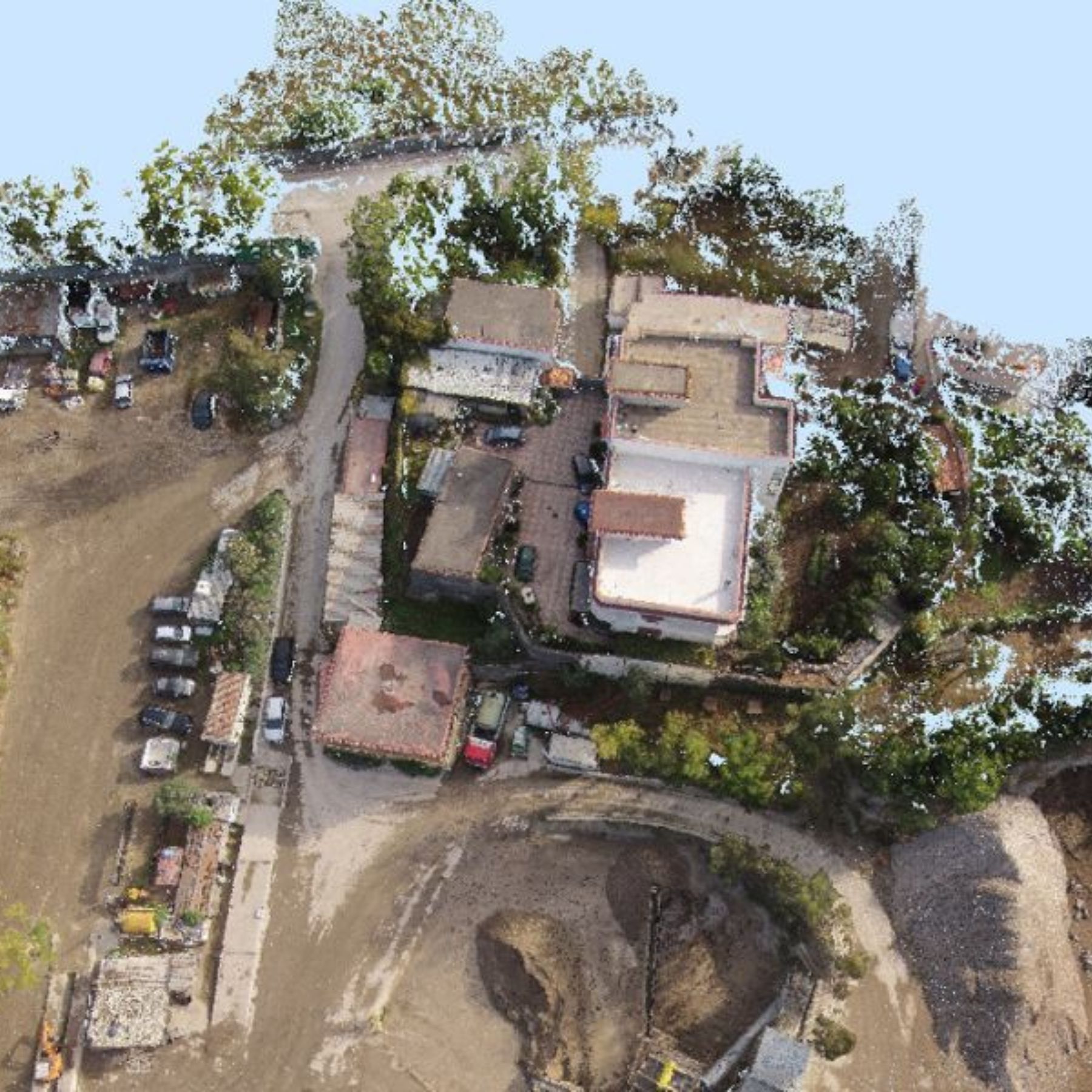
In its raw form, a point cloud looks like a dense constellation of dots — each dot representing a measured surface point. When colour information is captured alongside the geometry (as it is with the BLK360), the result is a photorealistic 3D model that looks almost like a photograph, but is fully measurable in three dimensions.
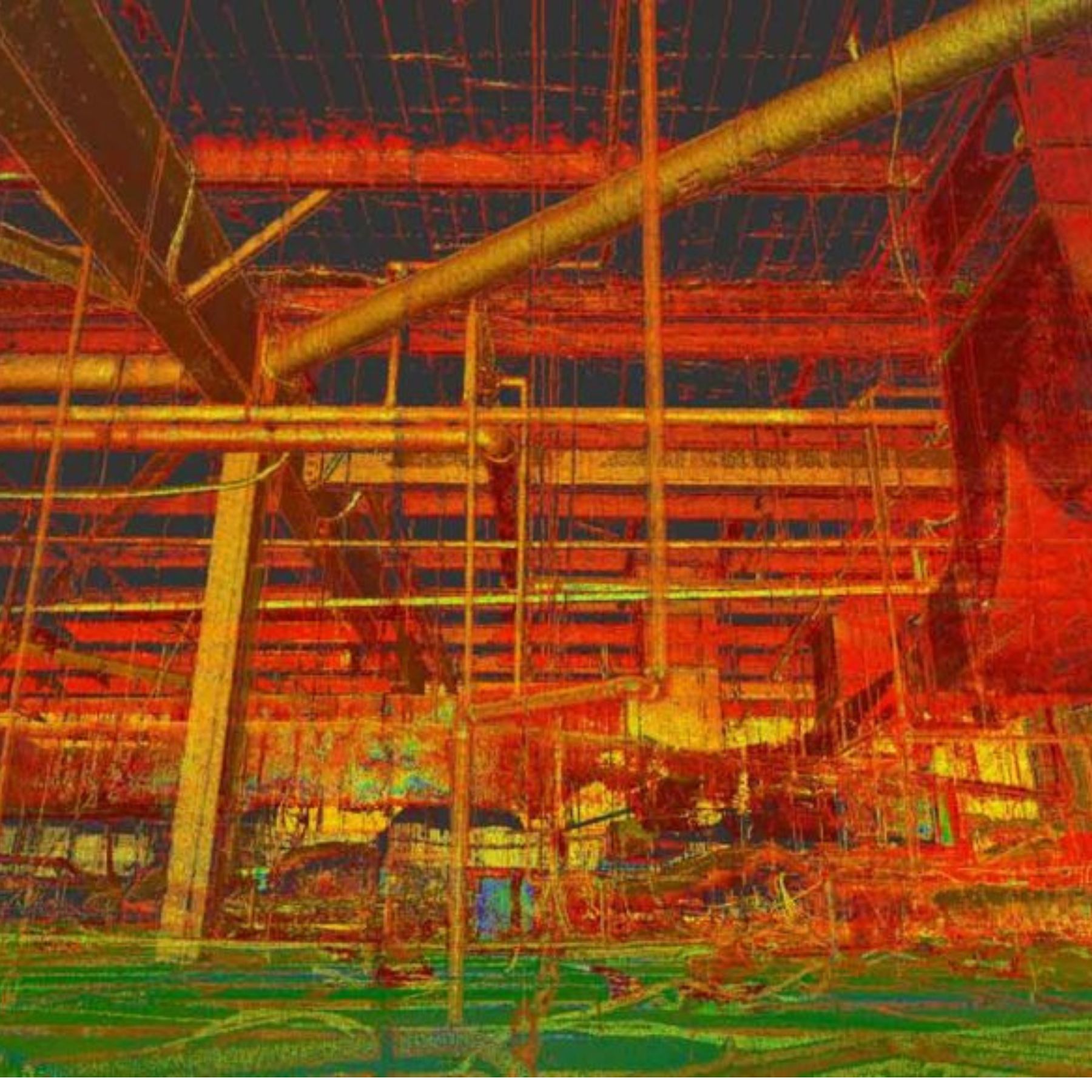
Point clouds are processed and viewed in Autodesk ReCap, where they can be navigated in 3D, sectioned, measured and exported. The vivid false-colour views you often see represent intensity or height data — useful for identifying different materials and features within the scan.
What Can You Do With a Point Cloud?
Once processed, a point cloud becomes an extremely versatile dataset that can be used in multiple ways:
Slice at Any Height
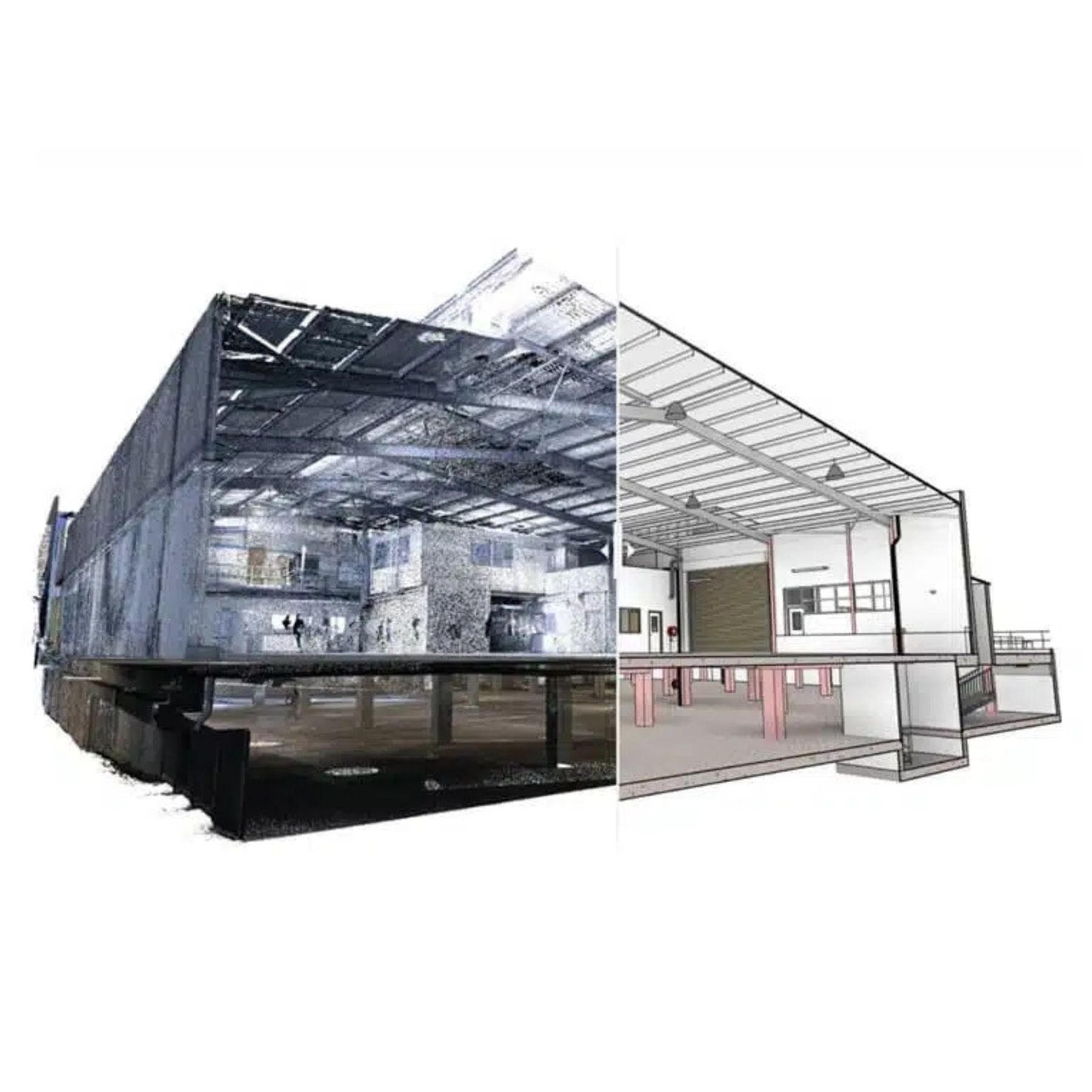
Cut a horizontal section through the cloud at any floor level to produce a perfectly accurate floor plan — every wall, door, window and structural element recorded at its real position. This is how we extract floor plans from scan data in AutoCAD.
Measure Any Dimension
Click any two points in the cloud and get the exact real-world distance between them. This can be done weeks, months or years after the survey — making the point cloud a permanent reference document for the building.
Design Directly Over It
Architects load the point cloud into Revit or AutoCAD and trace over it to produce their design drawings. The point cloud acts as a precise underlay, eliminating the need for site visits to verify dimensions mid-design.
Produce a BIM Model
The point cloud can be used as the basis for an as-built BIM model — with every wall, floor and structural element modelled as an intelligent 3D component in Revit, referenced directly from the scan data.
- A point cloud records every surface in the building simultaneously — nothing is missed
- Accuracy is typically ±4mm across the entire building
- A typical house produces 50–200 million measurement points
- The data is permanent — any dimension can be taken from it indefinitely
- Included free with every SurveyX laser scanning survey
Why Does It Matter for Your Project?
The real value of a point cloud is that it creates a complete, permanent, measurable record of the building as it existed on the day of the survey. This has practical benefits throughout the design and construction process:
- Architects can verify any dimension without returning to site
- Structural engineers can check wall positions and opening sizes from their desk
- Planning officers querying a measurement can be answered immediately
- Contractors on site can reference the data if they find unexpected conditions
- Future refurbishments have an accurate existing condition record to work from
Point Cloud File Formats
We deliver point cloud data in two formats as standard:
- RCP (ReCap Project) — the native Autodesk format, used directly in Revit and AutoCAD. This is the format most architects and engineers prefer.
- E57 — an open standard format that can be opened in virtually any point cloud processing software, including CloudCompare, Cyclone and BricsCAD.
Both formats are included free with every scanning survey at no additional cost.
Want Your Building
Captured in 3D?
We'll capture your building in complete millimetre-accurate detail — and hand you the point cloud data to keep. Fixed price, 5–7 working day turnaround.
Request a Free Quote